01
Leave request
A request enters the queue with a named owner and visible context.
Workflow
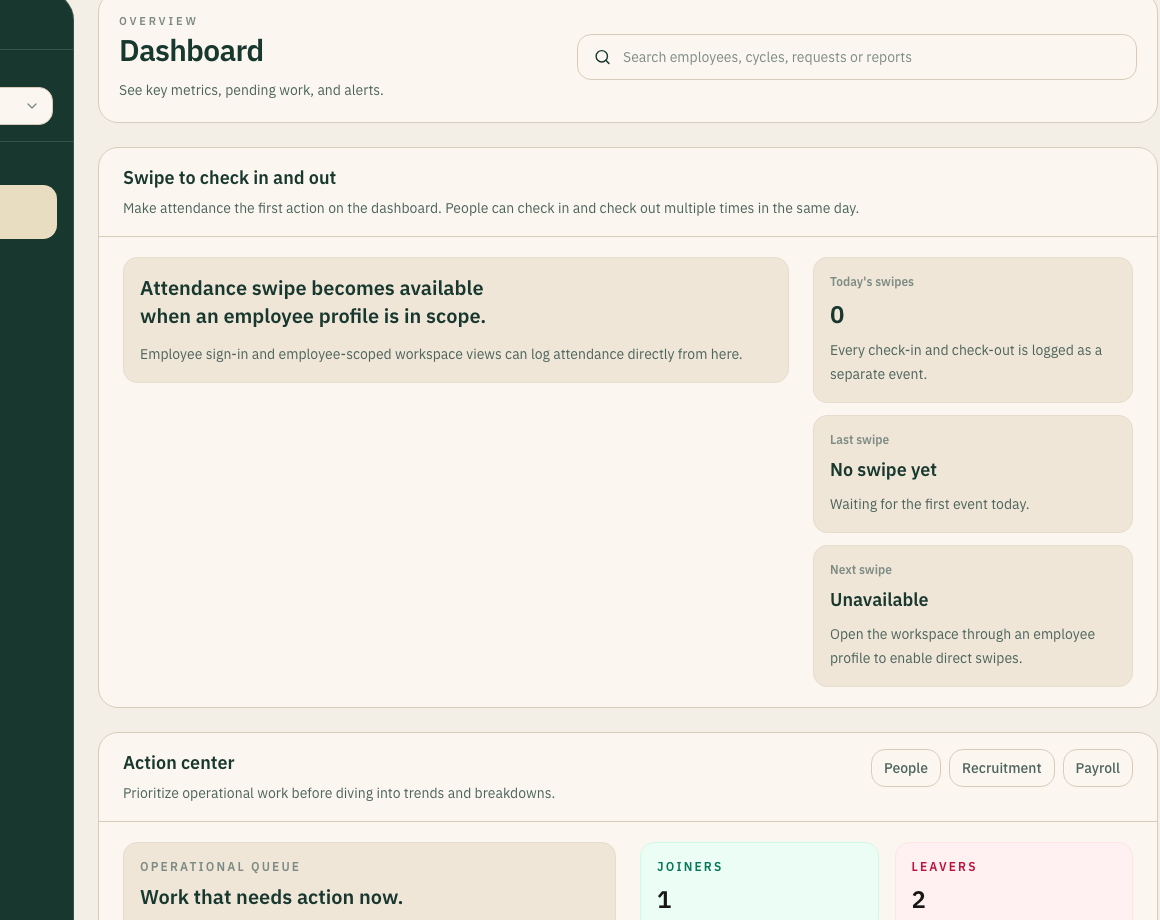
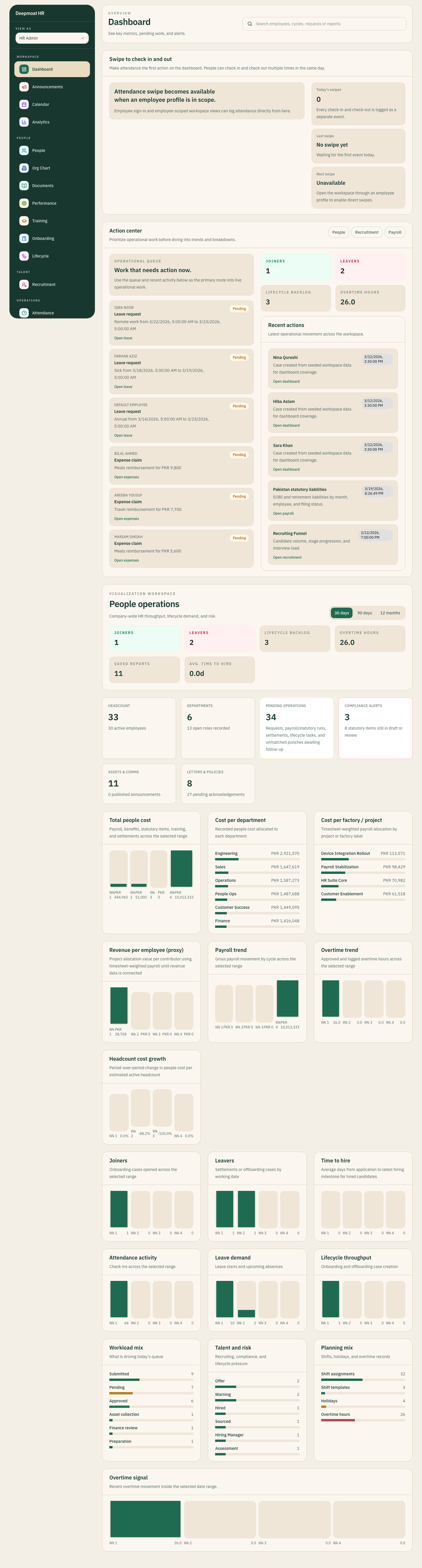
This page is about the workflow part of NxtGenSoftware: requests entering queues, review happening with context, and decisions leaving a recorded next action.
1
Shared queue model
3
Workflow stages shown here
01
A request enters the queue with a named owner and visible context.
02
The reviewer sees the state that matters instead of a fragmented handoff.
03
The outcome is recorded and the next action is clear before payroll handoff.
Workflow walkthrough
Use this page when the buying conversation is about leave, approvals, lifecycle cases, and whether the queue itself is structured enough to move work through the business.
Queue intake
Scroll story stage


Queue intake
1
Visible queue system
0
Hidden approvals required
01 / Queue intake
Workflow only works when the request enters one named queue instead of disappearing into chat, inboxes, or side sheets.
Request
02 / Review state
The middle of the workflow is about context: what changed, what is missing, and who is responsible for the next decision.
Review
03 / Decision output
The queue should not just show that something happened. It should show what was approved, what changed, and what the system expects next.
Decision
Why teams use it
Signal
Leave, onboarding, and blocker work should start in a named queue the team can read.
Signal
Review is better when the queue shows state, not just a status badge without operational detail.
Signal
The system should make the handoff explicit so work does not drift after approval.